
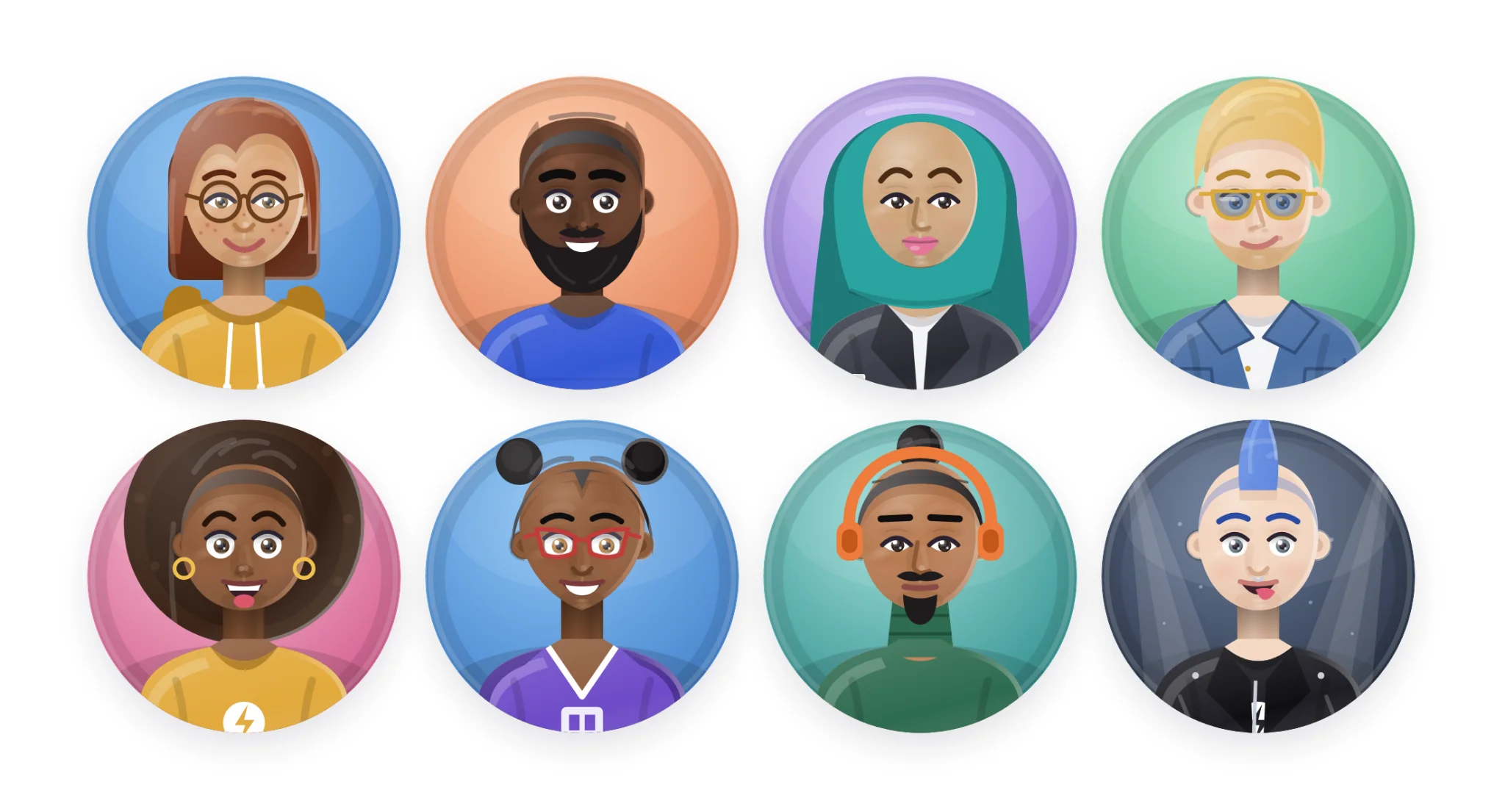

For years, picking an avatar meant picking someone else. A cartoon fox. A robot. A set of initials in a colored circle. None of them were you.
Today that changes. Open your profile, tap Change avatar, and the first thing you’ll see is a new tab called Me. It builds a person. That person can be you.
Start with a face, end with yours
Pick one of ten starters, then go to work. Your skin tone. Your face shape. The exact set of your eyes, and their color, even if the two don’t match. Your brows, your nose, the way you smile. Freckles if you have them, makeup if you wear it, a beard if you grew one, laugh lines if you earned them.
Then the hair. Any style, in two colors, with texture, a tint, and whatever you clip into it.
Then everything you put on in the morning. Glasses and their frames. Earrings, pins, hearing aids. Twenty one kinds of headwear, from beanies and caps to hijab, turban and patka. Hoodies, blazers, jerseys, scrubs, a chef’s coat. Pull the framing back to the waist and hold your coffee, your guitar, a mic, a game controller, or your cat.
It adds up to more than fifty things you can change. You won’t need all of them. You’ll need the five that make people say “oh, that’s you.”
Three Looks, one face
Once the face is right, give it an attitude. Classic is the honest portrait. Cute opens the eyes and warms the cheeks. Sharp sets the brows and firms up the jaw. Same person, three different first impressions. Switch whenever the mood strikes.
Speaking of moods
This is the part we’re most excited about. Tap Happy, Laughing, Cool, Surprised, Sleepy or Love, and your avatar wears it. Not just in the editor. Everywhere you show up: comments, chat, the member list, every mention of your name. Tap Your own and your face comes right back, exactly as you built it.
Hit Save sticker sheet and all six moods land in one image, ready to use as stickers and reactions wherever you like.
Set the scene
Put stars, confetti, stage lights or a sunburst behind you. Add a gold, silver or rainbow ring. Or keep it clean. Your call.
Feeling indecisive? Shuffle look keeps your face and hair and tries on a new outfit. Reset extras takes you back to basics.
Drawn, not generated
Every one of these is illustrated line by line, lit from one light, and rendered as crisp artwork at any size. No photo to upload. No AI guessing at your face. And your avatar is never final: come back and change your hair when you change your hair.
Go make yourself
It’s live on the web today at memberpad.com. The phone and desktop apps get it with their next update.
Open your profile, tap Change avatar, and say hello to Me.