

You already make videos. Years of them, sitting on YouTube, where your community can’t comment on them, can’t unlock them, and can’t find them next to everything else you’ve made. This week, the two places that mattered most finally take a link.
New: a YouTube video as your post’s cover
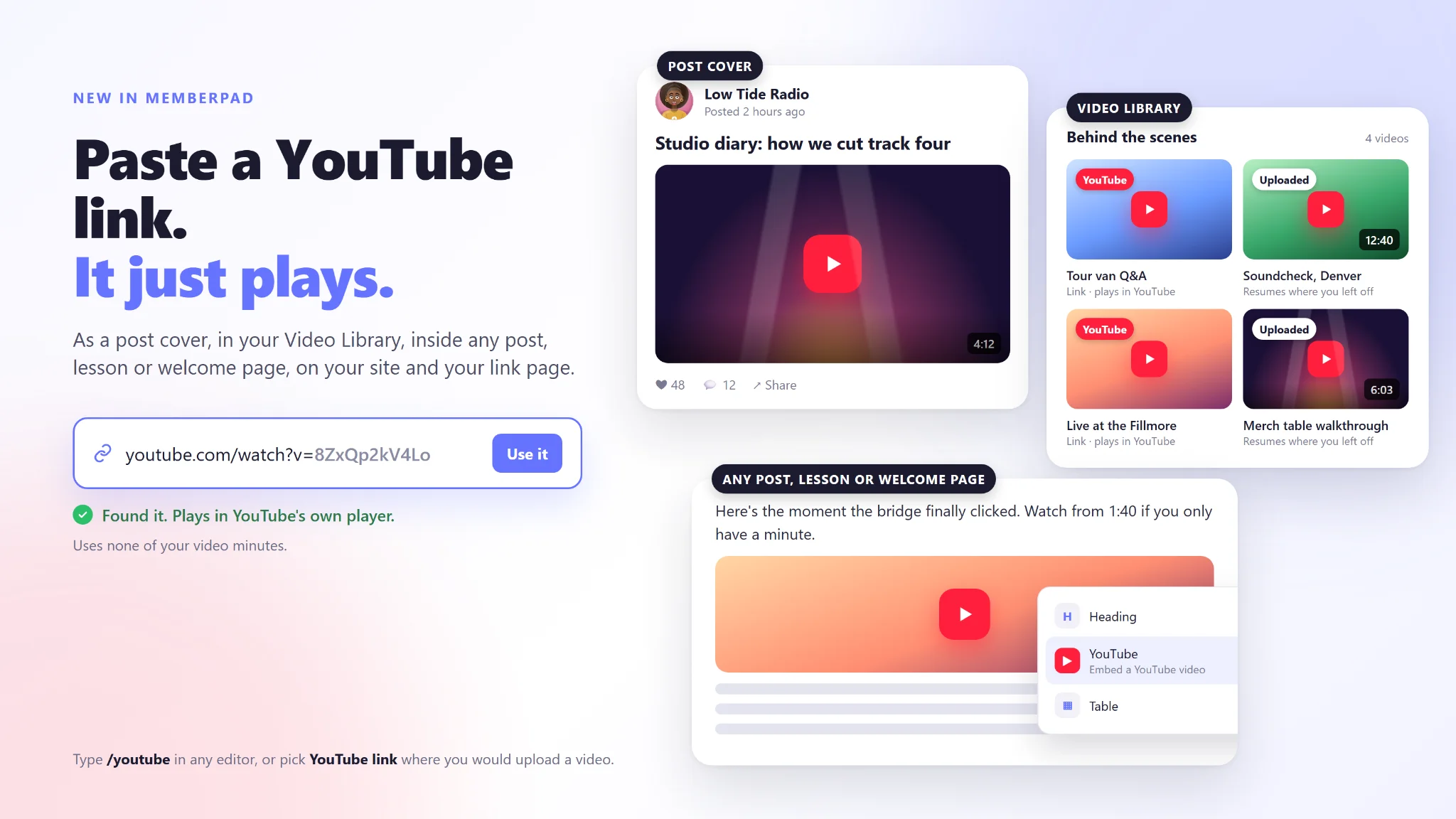
Open the post editor, choose YouTube link where you would normally upload, and paste the URL. We check it with YouTube, pull the thumbnail, and the video plays right in the feed card, on the post page, and on your public site. Shorts keep their vertical shape. The announcement email even uses the video’s thumbnail as its hero image.
No upload. No waiting for processing. No video minutes spent.
New: YouTube links in the Video Library
Same idea, bigger shelf. Add a video to any category by link instead of by file. It gets its thumbnail from YouTube, sits beside your uploads, and plays in YouTube’s own player when a member presses play. Put it in a free category to welcome newcomers, or in a paid one to give members a curated path through your back catalog. Bands: linked videos show up on the fan club’s video shelf too.
Already there, in case you missed it
Inside any post, lesson or welcome page. Type /youtube in the editor, or press the YouTube button in the toolbar, and paste the link. The video sits in the flow of your writing, exactly where you want people to watch it.
On your site. The site builder’s embed block takes a YouTube or Vimeo link. Paste the normal link, not the embed code.
On your link page. A YouTube link can play in place, right there in your bio page, without sending followers away.
On your community profile. Add your channel under Community Settings and it appears with your other social links.
When to link, and when to upload
A link is the fast path: free, instant, and your YouTube view count still gets the credit. Uploads still do the things only uploads can do. They resume to the second on any device, roll into the next video when they finish, travel with members in the media bar, and never show anyone else’s recommendations. Use both. Link the catalog, upload the exclusives.
One more thing
Post covers and library videos load nothing from YouTube until a member presses play. No tracking pixels riding along with your feed.
Open the editor, pick YouTube link, and paste. That’s the whole tutorial.